Full unlock, no trial limits
Premium removes the trial reminder and keeps the player open on your device without nagging or time limits.
Turn IBO Player into its full, unlocked Premium mode with a one-time activation tied to your device. No trial reminders, no interruptions — just add your M3U or M3U8 playlist and watch. Here is what Premium includes and how to activate it in the UK.
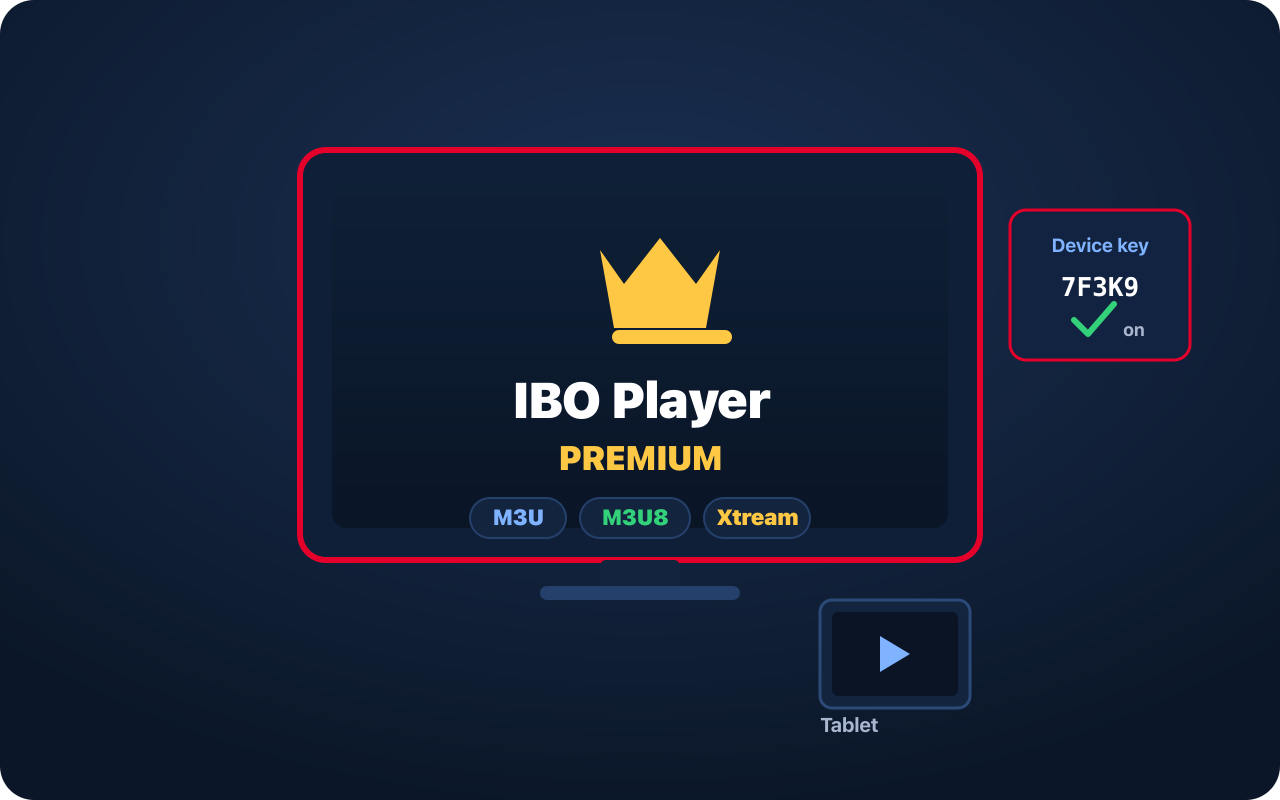
IBO Player is a popular third-party IPTV player for Smart TVs, Amazon Fire TV and Android. In its free form it runs on a trial; Premium is the fully unlocked, one-time-activated mode that removes those trial limits for good on your device.
Premium changes the app, not the content. IBO Player never ships with channels — you point it at your own playlist and it becomes a full live TV, sport and on-demand experience with a programme guide and favourites.
Premium unlocks the app; a subscription supplies the channels. The Premium activation is a per-device app unlock. The live TV and films come from the playlist you add — two separate things.
Premium removes the trial reminder and keeps the player open on your device without nagging or time limits.
A tidy electronic programme guide plus favourites, so your most-watched channels are always one click away.
Separate sections for live channels, movies and series make a large playlist easy to navigate on a TV.
Add any standard IPTV playlist — an M3U or M3U8 URL, or an Xtream Codes username, password and server.
Available for many Smart TVs (including the LG and Samsung stores) as well as Fire TV and Android.
Prefer a VPN? IBO Player runs smoothly alongside the major VPN apps.
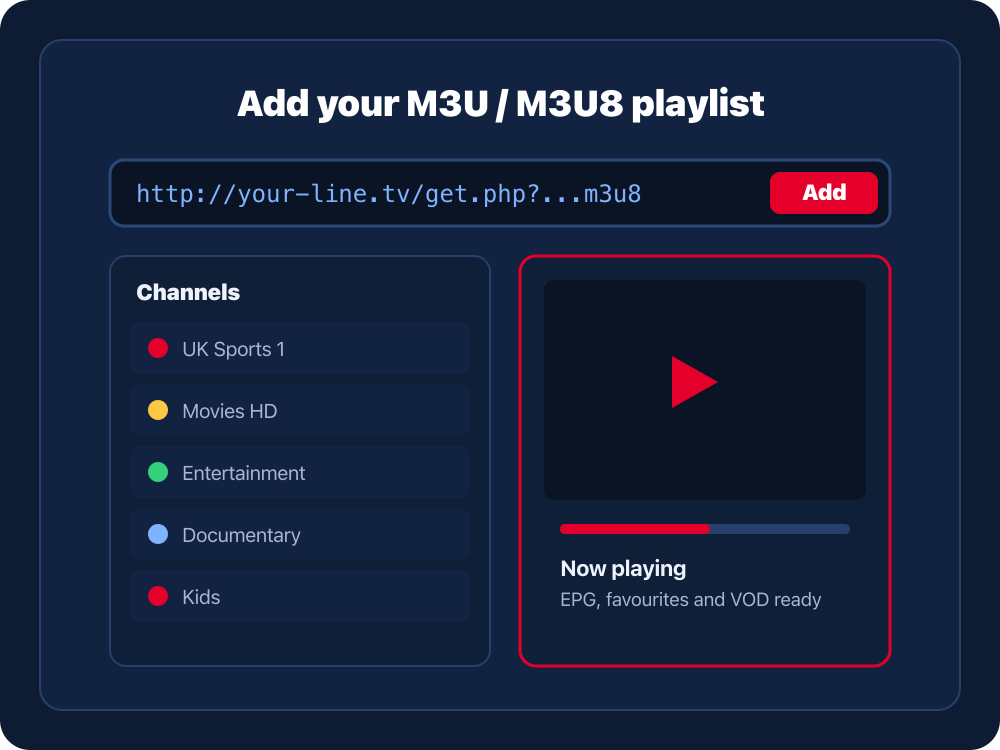
IBO Player accepts the standard IPTV playlist formats and installs on a wide range of TVs and streaming devices.
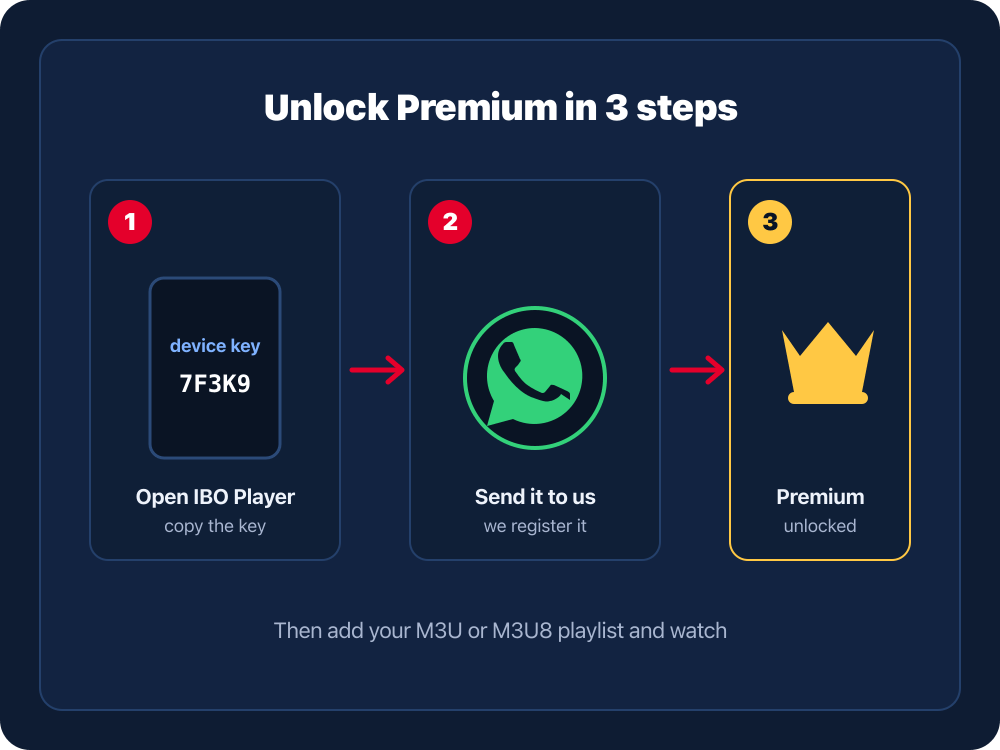
Install IBO Player from your device’s app store and open it. The home screen shows your device key (and MAC address) used for Premium activation.
Message us on WhatsApp with the device key exactly as shown. That single key is all we need to switch your device to Premium.
We register your device key so IBO Player unlocks the full Premium experience. Restart the app if it does not update immediately.
Through the IBO device management page or inside the app, add your M3U/M3U8 URL or Xtream login. The player then loads your channels, guide and on-demand titles.
Premium and your subscription do different jobs. One unlocks the player; the other fills it with channels.
A one-time, per-device activation that removes trial limits from IBO Player.
Your M3U/M3U8 or Xtream playlist — the live channels, sport and on-demand you add.
With Premium active and a playlist added, IBO Player is ready for full, uninterrupted viewing.
Need a playlist? A BOB IPTV UK subscription gives you a compatible M3U or Xtream login for IBO Player. New to this? Start with the IPTV setup guide.
Send your device key on WhatsApp to unlock Premium, and pick up a compatible IPTV subscription if you still need a playlist.
Restart IBO Player so it re-checks its status. If it still shows the trial, send us the device key on screen and we will confirm it is registered.
Some devices generate a new key after a factory reset or reinstall. Send us the new key and we will update your activation.
That is a playlist matter, not the Premium unlock. Re-check your M3U/M3U8 URL or Xtream details and confirm the subscription behind them is active.
EPG data comes from your playlist provider, not the app. Give it a few minutes to populate, and make sure your subscription includes guide data.
IBO Player Premium is the fully unlocked mode of the IBO Player app — a third-party IPTV player for Smart TVs, Fire TV and Android. Premium removes trial limits so your own M3U or Xtream playlist plays without interruption.
Premium unlocks unlimited use of the player on your device without the trial reminder, keeps your playlist loaded, and gives you the full player experience — EPG, favourites and on-demand navigation — for the playlist you add.
Open IBO Player and find the device key or MAC address on the activation screen. Send that key to us on WhatsApp and we register it to switch your device to Premium.
No. Premium unlocks the app only. The channels, sport and on-demand titles come from the playlist you load — for example a BOB IPTV UK subscription — which is a completely separate thing from the app licence.
Yes. IBO Player accepts M3U and M3U8 playlist URLs as well as Xtream Codes logins, so any standard IPTV playlist, including a BOB IPTV UK subscription, works with it.
IBO Player is available for many Smart TVs (including the LG and Samsung app stores), Amazon Fire TV, and Android phones, tablets and boxes. Premium activation is tied to each individual device.
The Premium unlock for the app is a one-time, per-device activation rather than a recurring app fee. Your separate IPTV playlist subscription renews on its own schedule and is not affected by the app activation.
On the device key screen, add your playlist through the IBO management page or directly in the app by entering your M3U or M3U8 URL, or your Xtream username, password and server. The player then loads your channels and guide.
Activation is registered to a specific device key or MAC. If you change device, message us on WhatsApp with the old and new keys and we will help you get the new device sorted.
IBO Player is a third-party application and any related trademarks belong to their respective owners. BOB IPTV UK is an independent service providing activation help and compatible IPTV subscriptions; it is not the developer of the IBO Player app.
Activate Premium once, add your M3U or M3U8 playlist, and enjoy IPTV without trial limits.