A stable connection
Around 15–25 Mbps is ideal for smooth HD, and a little more headroom for the sharpest picture.
New to IPTV, or just switching provider? This guide explains what IPTV is, how it works, which apps and devices to use, and exactly how to get BOB IPTV UK up and running — usually in under ten minutes.
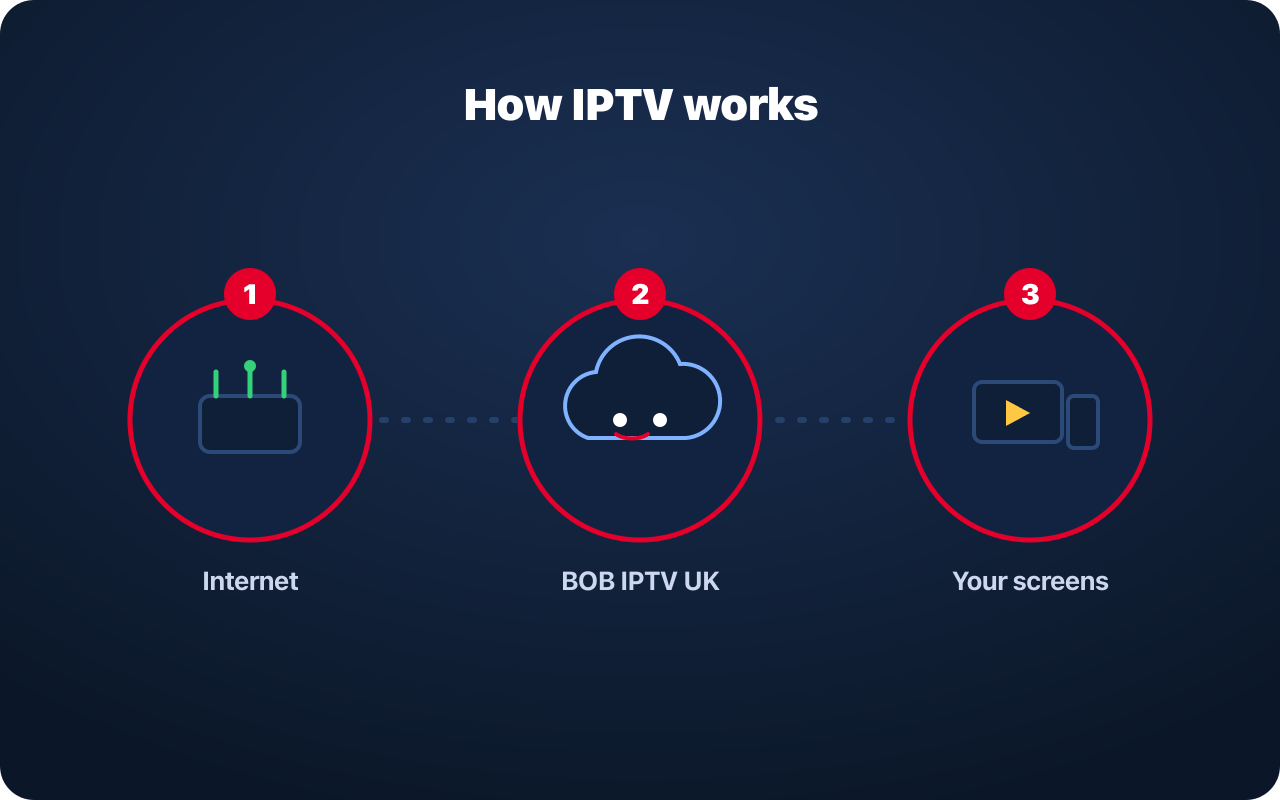
IPTV stands for Internet Protocol Television. Instead of receiving channels through a rooftop aerial, a satellite dish or a cable, the television signal is delivered to your device over your ordinary internet connection.
When you press play, your IPTV app requests that channel or title from the service and streams it straight to your screen — much like an on-demand app, but with live TV and a full programme guide too. Because it travels over the internet, you can watch on many different devices and take your subscription with you wherever you have a stable connection.
Around 15–25 Mbps is ideal for smooth HD, and a little more headroom for the sharpest picture.
Fire TV Stick, Android box/phone/tablet, Smart TV, or a Windows/Mac computer.
A standard player such as IPTV Smarters or TiviMate that accepts your login.
Your BOB IPTV UK login, emailed to you after checkout.
These four steps work on most devices; the app name is the only real difference.
Choose a plan on the Buy IPTV page and check out. Your login details arrive by email shortly after payment.
On your device, install a supported IPTV app such as IPTV Smarters Player or TiviMate from its app store (or via the Downloader app on Fire TV).
Open the app and add the username, password and server URL (or M3U/Xtream login) exactly as shown in your activation email.
The app downloads your channel list and TV guide. Once it finishes, browse live TV, sport and on-demand and press play.
Use the Downloader app (or the Amazon Appstore) to install a compatible IPTV player, open it, and enter your login. This is the most popular way to watch on any TV with an HDMI port.
Install your chosen player from the Google Play Store, sign in with your details, and your channels and guide load automatically.
Many Smart TVs support IPTV apps directly. You can also watch on a phone, tablet, laptop or MAG box using a standard M3U or Xtream Codes login.
IPTV stands for Internet Protocol Television. Instead of receiving channels through an aerial, satellite dish or cable, the TV signal is delivered to your device over your internet connection.
Popular IPTV player apps include IPTV Smarters Player, TiviMate and similar apps available for Fire TV, Android and Smart TVs. You enter the login details we send you and the app loads your channels and guide.
Install a compatible IPTV player from the Amazon Appstore (or via the Downloader app), open it, and enter the login details from your activation email. Your channels, guide and on-demand library then appear inside the app.
Buffering is almost always a connection issue. Restart your router, use a wired connection or move closer to your Wi-Fi, close other heavy downloads, and try again. If it continues, contact support and we will help.
Choose a plan and follow the four setup steps above to start watching today.